


Student Resources
Student Portal Overview
The steps below will walk you through how to navigate through your Student Portal. For step-by-step instructions on how to login to your Student Portal for the first time, visit the article: Setting Up Your Microsoft 365 Account
Getting To The Student Portal:
- In a web browser, visit the CIAT website at: www.ciat.edu. In the upper right-hand corner, click on the link “Student Portal”.
- Alternatively, you can bookmark a link to the Student Portal homepage directly at: https://learn.ciat.edu
Student Profile Page
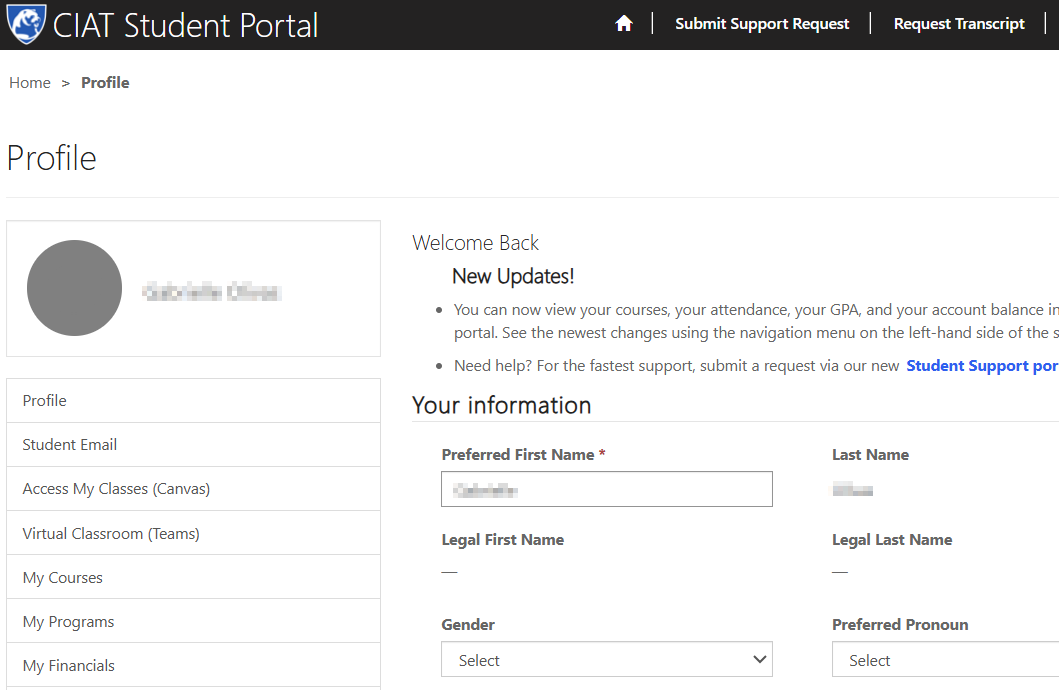
- After logging in you will be taken directly to the student profile page within the Student Portal.
- On the left hand side are navigation links to access your most commonly used resources, including your email, your course in Canvas, and more.
Accessing Your Student Email
- Click on the link “Student Email” in the navigation bar on the left hand side of your screen. This will open a new browser tab for Outlook Online.
- Pro Tip: You will notice the focused tab and the other tab right next to it. Make sure if you can’t find an email you are looking for, check the “Other” tab.
- Learn more about Microsoft’s Focused Inbox feature and how to adjust the settings for your personal use: Microsoft Focused Inbox.
Accessing Your Course Through Canvas
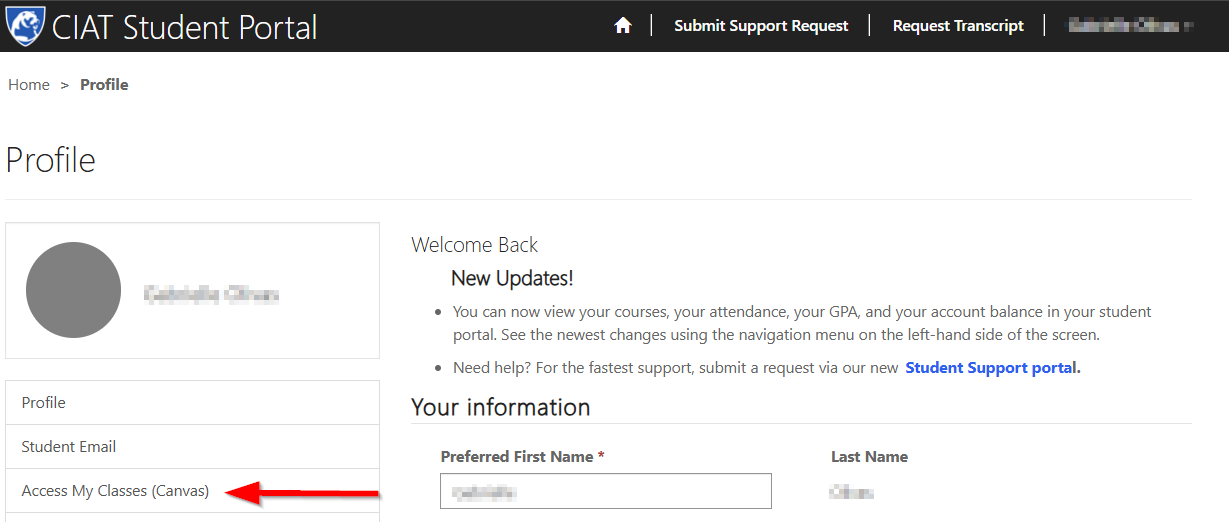
- Click on the link “Access my Classes (Canvas)” in the navigation bar on the left hand side of your Student Portal. This will open a new browser tab and automatically log you into Canvas.
- Pro Tip: This is the only way for you to access Canvas. If you try to go to the Canvas log in page by using the URL directly it will fail to log you in. Always start from your Student Portal to login. ★
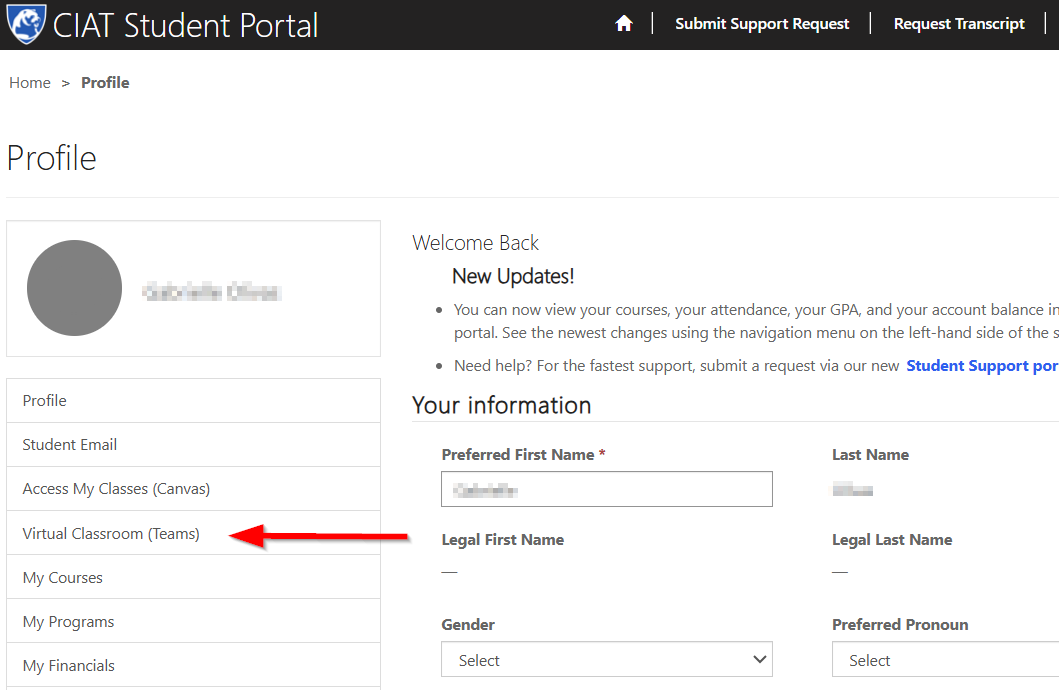
Accessing Your Virtual Classroom Using Microsoft Teams
- Click on the link “Apps & Resources” in the navigation bar on the left hand side of your Student Portal.
- Click on the link “Office 365 Apps”. This will open a new browser tab to download desktop applications.
Pro Tip: As a CIAT student, you have access to your own Office 356 account where you can access tools you will need for your course, including Microsoft Word, PowerPoint, Outlook, and more.
You can use Microsoft office online tools or download desktop applications to your computer.
When you are ready to continue, click Next.


